Command Palette
Search for a command to run
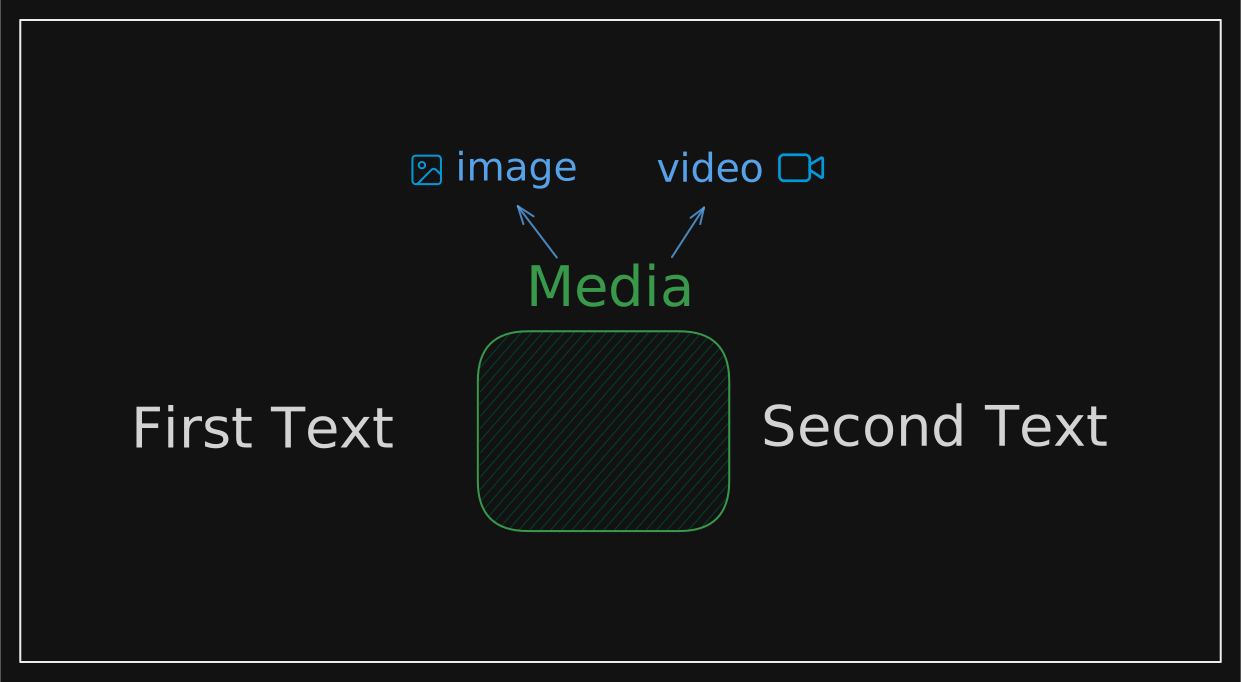
A component that animates a media (image or video) between two text elements.
motion-sv
Hover

Me
Installation
Install dependencies
Install the required packages for this component:
Copy the Source Code
Copy and paste the following code into your project:
media-between-text.svelte
index.ts
Folder Structure
Folder Structure
Visit Original Docs
For more deeper understaing visit fancy components documentation.
Logic Image
Examples
Scroll-triggered Reveal
Svelte Creators
Scroll down ↓




Open/Close Trigger
Happy

Birthday
Vertical Open/Close
Hello

Svelte
Props
| Prop | Type | Default | Description |
|---|---|---|---|
firstText | string | required | Text rendered before the media reveal. |
secondText | string | required | Text rendered after the media reveal. |
mediaUrl | string | required | Image or video source URL. |
mediaType | "image" | "video" | required | Controls whether an img or video element is rendered. |
mediaContainerClass | string | undefined | Classes applied to the animated media wrapper. |
fallbackUrl | string | undefined | undefined | Poster URL used when rendering video media. |
as | keyof SvelteHTMLElements | "p" | HTML element used for each text fragment. |
autoPlay | boolean | true | Whether video media should autoplay. |
loop | boolean | true | Whether video media should loop. |
muted | boolean | true | Whether video media should be muted. |
playsInline | boolean | true | Whether video media should play inline on mobile browsers. |
alt | string | undefined | undefined | Alt text used for image media. |
triggerType | "hover" | "ref" | "inView" | "hover" | Controls when the media reveal animation runs. |
containerRef | HTMLElement | Document | null | null | Optional viewport root used with in-view triggering. |
useInViewOptionsProp | UseInViewOptions | { once: true, amount: 0.5 } | Options forwarded to the in-view observer. |
animationVariants | Variants | defaultAnimationVariants | Motion variants used for the media reveal. |
leftTextClass | ClassValue | undefined | Classes applied to the first text fragment. |
rightTextClass | string | undefined | Classes applied to the second text fragment. |
class | string | undefined | Classes merged onto the root container. |
isAnimating | boolean | false | Bindable flag used with `triggerType="ref"` to programmatically open or close the media reveal. |